
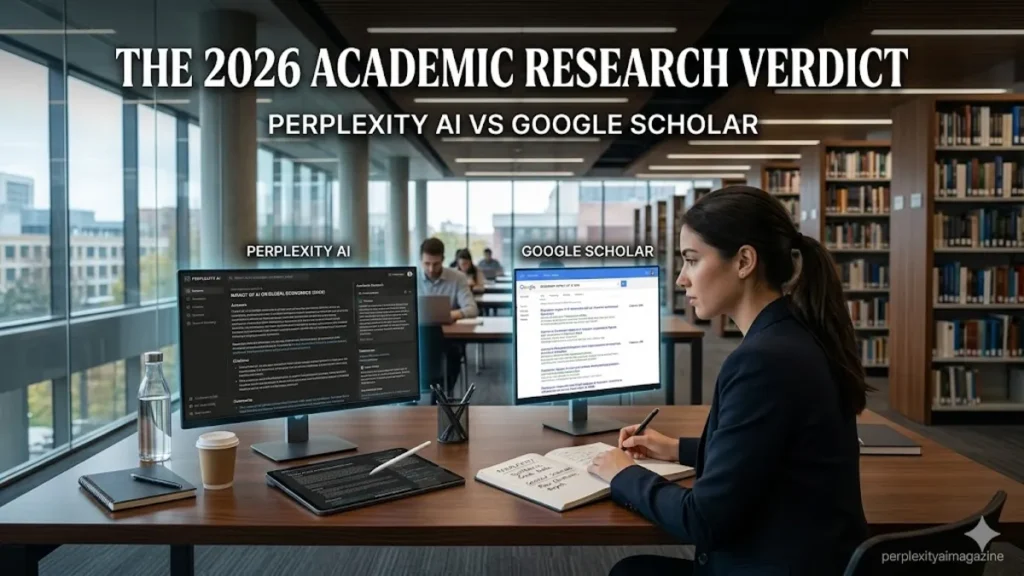
The comparison between Perplexity AI and Google Scholar comes up constantly among students, researchers, and academics — and it is slightly misconceived, because these tools are not designed to do the same thing. Google Scholar is a comprehensive academic database that finds papers and shows you where they exist. Perplexity AI, particularly with Academic Focus active, synthesises and explains what those papers say. The distinction between finding sources and understanding sources is where the comparison becomes genuinely useful. – perplexity ai vs google scholar.
After extensive use of both tools for research tasks across different disciplines, my honest position is that they belong in the same workflow rather than competing for the same role. But if you must choose only one, the decision depends on what stage of research you are in and what your institution’s library access provides.
What Google Scholar Does That Perplexity Cannot
Google Scholar is the world’s most comprehensive freely accessible academic paper database. It indexes tens of millions of peer-reviewed papers, conference proceedings, theses, and books across virtually every academic discipline. Its citation tracking — showing how many times a paper has been cited and by whom — is an irreplaceable tool for understanding a field’s intellectual genealogy and identifying foundational versus recent work. Its integration with institutional library systems means that, once connected to your university’s proxy, Google Scholar can give you direct access to paywalled papers your institution subscribes to.
Google Scholar is also indispensable for finding papers by specific authors, publications, or exact titles. If you know what you are looking for, Scholar’s comprehensive index and advanced search operators are faster and more complete than any AI tool. No AI research assistant has access to the full breadth of Google Scholar’s academic database. – perplexity ai vs google scholar.
What Perplexity AI Does That Google Scholar Cannot
Perplexity AI’s Academic Focus mode synthesises what the academic literature says about a topic rather than showing you a list of papers to read yourself. When you activate Academic Focus and ask “what does current research say about the effectiveness of cognitive behavioural therapy for chronic pain in adults over 60?” — Perplexity reads relevant papers, extracts the key findings, and produces a structured summary with numbered citations linking to the sources. Google Scholar on the same query returns a list of papers for you to open, read, and synthesise manually.
This synthesis capability is the decisive practical advantage for the orientation phase of research. Before you know which specific papers to read deeply, Perplexity helps you understand the landscape of a field — the major debates, the strongest evidence, the methodological approaches, and the research gaps — in a fraction of the time manual review requires. It reduces the cognitive load of early-stage literature scanning significantly.
| Research Task | Use Perplexity AI | Use Google Scholar |
|---|---|---|
| Topic orientation | ✅ Synthesised overview in seconds | Lists papers — you synthesise manually |
| Find specific paper by author/title | Limited — not a paper index | ✅ Comprehensive — exact search works |
| Citation count and influence tracking | Not available | ✅ Full citation tracking built in |
| Access paywalled papers | Cannot access paywalled content | ✅ With institutional proxy — direct access |
| Identify key papers in a field | Good for orientation — may miss niche papers | ✅ Comprehensive coverage of all indexed papers |
| Understand what research says | ✅ Synthesised cited answer — fast | You read papers individually — slow |
| Current research (2025–2026) | ✅ Real-time — recent papers indexed | ✅ Comprehensive — some delay in indexing |
| Academic citation format help | ✅ Can format citations on request | ✅ Export directly to reference managers |
| Free access | ✅ Unlimited standard searches free | ✅ Completely free |
Perplexity AI vs Google Scholar by research task, 2026. The most effective academic research workflow uses both — Perplexity for synthesis and orientation, Scholar for comprehensive coverage and paper access.
The Recommended Academic Research Workflow
The most effective research workflow in 2026 does not choose between Perplexity and Google Scholar — it uses both at different stages.
- Step 1 — Orientation (Perplexity Academic Focus): Ask Perplexity with Academic Focus active for a broad overview of your topic, major debates, key papers, and research gaps. This gives you a map of the field in minutes.
- Step 2 — Paper discovery (Google Scholar): Use the paper names and author names from Perplexity’s citations to search Google Scholar. Find the full papers, check citation counts, and identify related work through Scholar’s citation graph.
- Step 3 — Access and read (institutional library): Use your institution’s library proxy to access paywalled papers identified in Scholar. Read the papers that matter most to your specific question.
- Step 4 — Analysis (Perplexity file upload or Claude): Upload key PDFs to Perplexity or Claude for targeted analysis questions. “What methodology does this paper use?” “What are its main limitations?” “How does this compare with [other paper]?”
⚠️ Never cite Perplexity itself in academic workPerplexity is a research tool, not a citable source. When Perplexity leads you to a paper or statistic, cite the original paper — not Perplexity. Click the numbered citation in Perplexity’s answer to open the original source, verify the claim is accurately represented, and cite that source in your reference list. Using Perplexity as a source in submitted work will be flagged by supervisors and reviewers.
Click Here to Read More About AI & Tech!
Frequently Asked Questions
Is Perplexity AI better than Google Scholar for research?
For different tasks. Perplexity is better for synthesising what the literature says — it produces a cited summary of key findings in seconds. Google Scholar is better for finding specific papers, tracking citations, and accessing paywalled content through institutional libraries. The most effective academic research uses both: Perplexity for orientation and synthesis, Scholar for comprehensive paper discovery and access.
Can Perplexity AI replace Google Scholar?
No. Google Scholar’s comprehensive database coverage, citation tracking, and institutional library integration are not replicated by any AI tool. Perplexity with Academic Focus is powerful for orientation and synthesis but does not index the full breadth of academic literature and cannot provide citation counts or direct library access. They serve complementary roles rather than competing for the same function.
Is Perplexity Academic Focus as good as Google Scholar for finding papers?
No — Google Scholar is significantly more comprehensive for finding specific papers. Perplexity’s Academic Focus retrieves from accessible academic sources but does not have the systematic coverage or citation network of Scholar’s dedicated academic database. For finding a specific paper by author, title, or tracking its influence through citation counts, Scholar is the definitive tool. Perplexity is better for understanding what a body of literature says than for finding all the literature that exists.
Can I use Perplexity AI for my university assignments?
Yes for research and source discovery — using Perplexity to find and understand sources is comparable to using Google or a library database. No for submitting AI-generated text as your own work — that constitutes academic dishonesty at most institutions. The key distinction is what you do with the tool: researching with it is fine; submitting its output as your own work is not. Always check your institution’s specific AI policy, as guidelines vary significantly.
How do I cite sources found through Perplexity AI?
Cite the original source Perplexity led you to — not Perplexity itself. Click the numbered citation in Perplexity’s answer to open the original paper or article. Verify the claim is accurately represented in the original. Then format your citation using the original source’s author, title, journal, year, and DOI in your required style. You can ask Perplexity to format citations in APA, MLA, or Chicago in the same thread — but always verify the output before submitting.
Is Perplexity AI free for students?
Yes — the free plan includes unlimited standard searches with Academic Focus mode available at no cost. Students with a .edu or .ac.uk email can access Education Pro at $10/month through SheerID verification — half the standard Pro price. Education Pro includes everything in standard Pro plus Study Mode, 10× more citations per answer, and unlimited file uploads. Visit perplexity.ai/students to apply.
