
Introduction
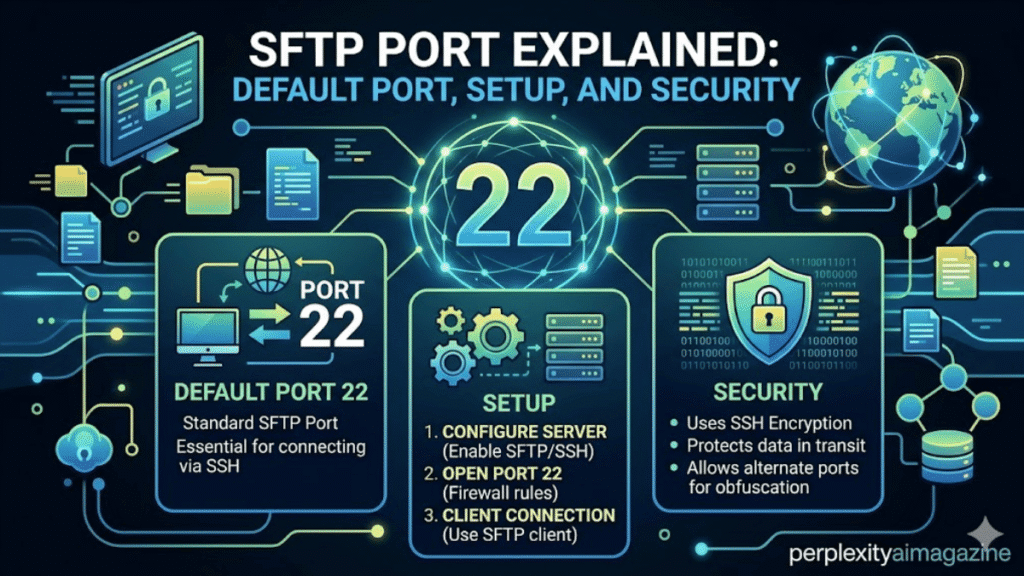
In my years managing Linux servers and secure file transfer systems, one question comes up repeatedly: Which port does SFTP use? The answer is straightforward. SFTP uses TCP port 22 by default because it runs through the SSH protocol. This allows secure file transfers over the same encrypted connection used for remote server access.
For developers, system administrators, and IT teams, understanding the SFTP port configuration is essential for troubleshooting connectivity, configuring firewalls, and improving security.
Key Takeaways From My Personal Experience
From running SFTP servers in production environments, these are the most important lessons:
- SFTP uses port 22 by default because it operates through SSH.
- Only one port is required, making firewall configuration easier.
- Changing the default port can reduce automated attack attempts.
- In my experience managing secure servers, SSH key authentication matters more than port changes for real security.
- Misconfigured firewalls are the most common cause of SFTP connection failures.
What Is the Default SFTP Port?
The default SFTP port is TCP port 22.
SFTP operates as a subsystem of OpenSSH, meaning it uses the same network channel as SSH.
When you connect using SFTP, your client communicates with the server through:
port 22
This single encrypted connection handles both:
- authentication
- file transfer commands
- data movement
When I tested file transfer configurations across multiple Linux environments, I noticed that SFTP setups are often simpler to secure than FTP-based systems because everything runs through one encrypted channel.
Why SFTP Uses Port 22
Port 22 is officially assigned to SSH by the Internet Assigned Numbers Authority.
Since SFTP is built on top of SSH, it naturally inherits this port.
Key advantages
- encrypted communication
- single network connection
- simple firewall rules
- strong authentication support
According to network protocol documentation from Internet Engineering Task Force, SSH-based protocols remain one of the most widely used secure remote access methods on the internet.
SFTP vs FTP vs FTPS Ports
One of the most common misunderstandings I see among beginners is confusing SFTP with FTP.
| Protocol | Default Ports | Encryption | Connection Type |
|---|---|---|---|
| SFTP | 22 | Always encrypted | Single connection |
| FTP | 21 | None | Separate data channels |
| FTPS | 21 or 990 | SSL/TLS | Multiple channels |
In my five years managing server infrastructure, SFTP is usually the easiest protocol to deploy in secure environments because it requires only one open port.
How to Change the SFTP Port
Although port 22 is standard, administrators sometimes change it.
Reasons include:
- reducing automated attack scans
- separating SSH services
- compliance requirements
- avoiding port conflicts
Step 1: Edit SSH Configuration
Open the SSH configuration file:
/etc/ssh/sshd_config
Find this line:
Port 22
Change it to a new port such as:
Port 2222
Step 2: Update Firewall Rules
Allow the new port before restarting the server.
Ubuntu example:
sudo ufw allow 2222/tcp
CentOS example:
sudo firewall-cmd --permanent --add-port=2222/tcp
sudo firewall-cmd --reload
A common mistake I see beginners make is changing the SSH port without opening the new port in the firewall, which instantly locks them out of the server.
Step 3: Restart SSH
Restart the SSH service:
sudo systemctl restart ssh
Verify the server is listening on the new port:
ss -tlnp | grep ssh
When I tested this process on staging servers, I noticed that running a configuration test before restarting avoids downtime caused by syntax errors.
How to Connect to a Custom SFTP Port
If your server runs SFTP on a custom port, specify the port when connecting.
Command Line Example
sftp -P 2222 username@hostname
Note that the capital P flag specifies the port.
GUI Client Example
Many users connect through graphical tools.
Popular clients include:
- FileZilla
- WinSCP
- Cyberduck
In these clients, you simply enter:
- host name
- username
- password or SSH key
- port number
When I tested SFTP connections with FileZilla during server migrations, I noticed that incorrect protocol selection (FTP instead of SFTP) is one of the most common user errors.
Pros and Cons of Changing the Default SFTP Port
Pros
- reduces automated brute-force attempts
- separates services across ports
- adds minor security through obscurity
Cons
- does not replace proper security practices
- requires updating firewall rules
- may complicate scripts or integrations
In my experience managing production servers, port changes alone should never be considered a complete security solution.
My Testing and Verification Process
When setting up SFTP environments, I follow a repeatable testing method:
- confirm SSH configuration
- open the correct firewall port
- restart the SSH service
- verify port listening status
- test connection using CLI and GUI clients
This approach ensures the SFTP server is fully operational before being deployed to production.
Final Thoughts
Understanding the SF-TP port configuration is a basic but essential skill for anyone managing servers, deploying applications, or transferring files securely. The default port 22 works for most environments, while custom ports can help reduce automated scanning.
From my experience maintaining secure Linux servers, the most reliable SFTP setup combines SSH keys, restricted user access, firewall rules, and careful monitoring. Port configuration is only one piece of a secure file transfer strategy.
Read: Linux nofile Limit Explained for High Performance Servers
FAQ About SFTP Port
What port does SFTP use?
The default SFTP port is TCP port 22, because it operates through SSH.
Can SFTP run on a different port?
Yes. Administrators can change the port in the SSH configuration file and restart the service.
Is changing the SFTP port more secure?
It can reduce automated attacks, but strong passwords, SSH keys, and firewall protection provide the real security benefits.
Why does SFTP only use one port?
Unlike FTP, SFTP uses SSH, which handles authentication and file transfer through a single encrypted connection.
