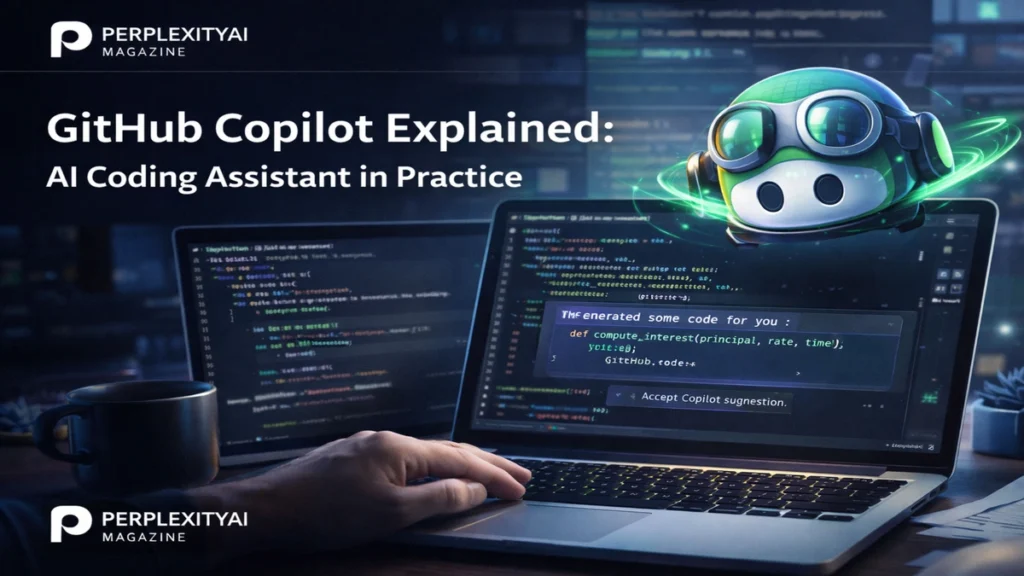
I first encountered GitHub Copilot not as a product announcement, but as a subtle shift in how code appeared on my screen. Lines formed before intention fully settled. Functions arrived shaped, commented, and executable. Within seconds, the boundary between thinking and typing felt thinner than ever. That moment captures why Copilot matters.
GitHub Copilot is an AI-powered coding assistant developed by GitHub in partnership with OpenAI. It suggests code completions, generates functions from natural language comments, and assists with debugging directly inside popular development environments. For many developers, it is no longer an experiment. It is part of the daily workflow.
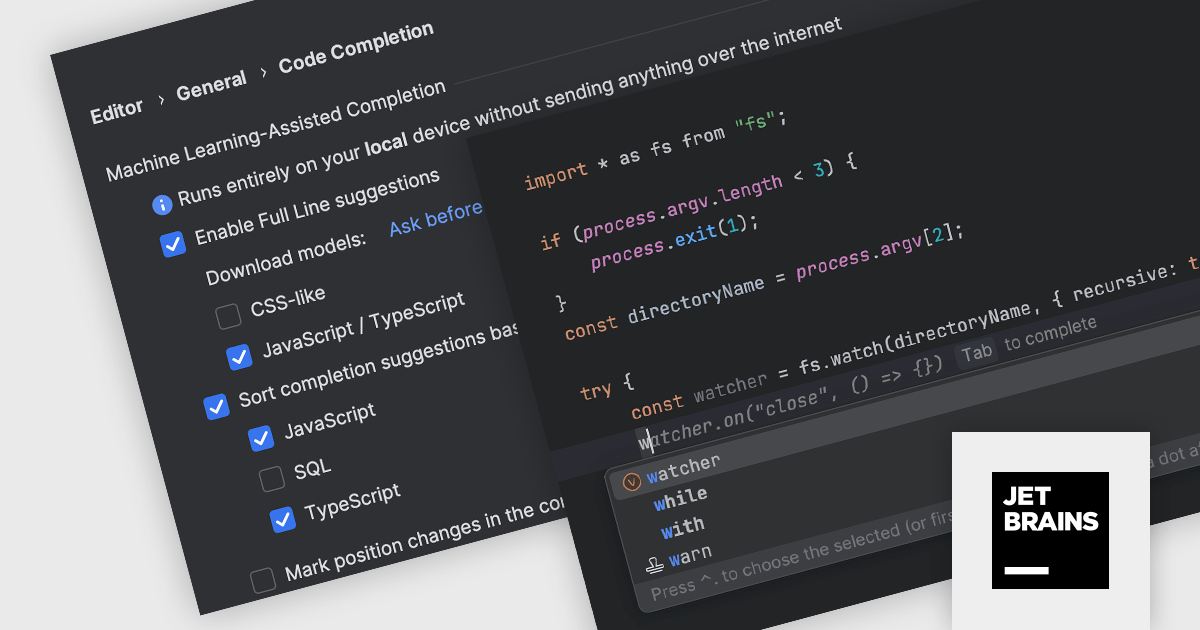
In the first hundred words, the search intent is clear. Developers want to know what Copilot does, how it works, how accurate it is, how much it costs, and whether it is worth trusting. Copilot answers those questions by embedding itself inside tools developers already use, such as VS Code, Visual Studio, JetBrains IDEs, and Neovim. It does not replace programmers. It accelerates them.
This article explores Copilot’s evolution, technical foundations, pricing, integrations, strengths, weaknesses, and broader implications for software craftsmanship. The goal is not hype. It is clarity, grounded in real usage, real data, and the lived experience of modern coding teams Pasted text.

The Origin Story of GitHub Copilot
I tend to think of Copilot as a cultural artifact as much as a technical one. It emerged in 2021, at a time when large language models began moving from research labs into everyday tools. GitHub, already hosting the world’s largest collection of public code, had a unique advantage. It understood developer workflows deeply. OpenAI brought model expertise. The collaboration felt inevitable.
Copilot was trained on a mixture of licensed data, human-created examples, and publicly available code. That training allowed it to predict likely next lines of code based on context. Unlike autocomplete tools of the past, Copilot does not rely on static snippets. It reasons probabilistically across entire files.
Early reactions were polarized. Some developers described it as magical. Others worried about intellectual property, hallucinated code, or security risks. GitHub responded by iterating rapidly, introducing filters, telemetry controls, and opt-out mechanisms. Over time, Copilot matured from novelty into infrastructure.
The name Copilot was intentional. It signals assistance, not automation. The tool sits beside the developer, offering suggestions that can be accepted, modified, or ignored. That balance has become central to its adoption.
Read: Best API Search Company’s Homepage Guide for Developers
How GitHub Copilot Works Under the Hood
I often explain Copilot as a language translator between human intent and machine syntax. Developers write comments or partial code. Copilot interprets that context and predicts what comes next. The process feels instantaneous, but several layers operate beneath the surface.
Copilot relies on large language models optimized for code understanding. These models analyze surrounding files, imports, function signatures, and even variable naming patterns. They generate suggestions token by token, scoring likelihoods based on learned patterns.
Importantly, Copilot does not execute code. It does not test or verify correctness. It predicts plausible continuations. That distinction explains both its power and its limits. When context is rich and common, accuracy is high. When problems are novel or domain-specific, suggestions degrade.
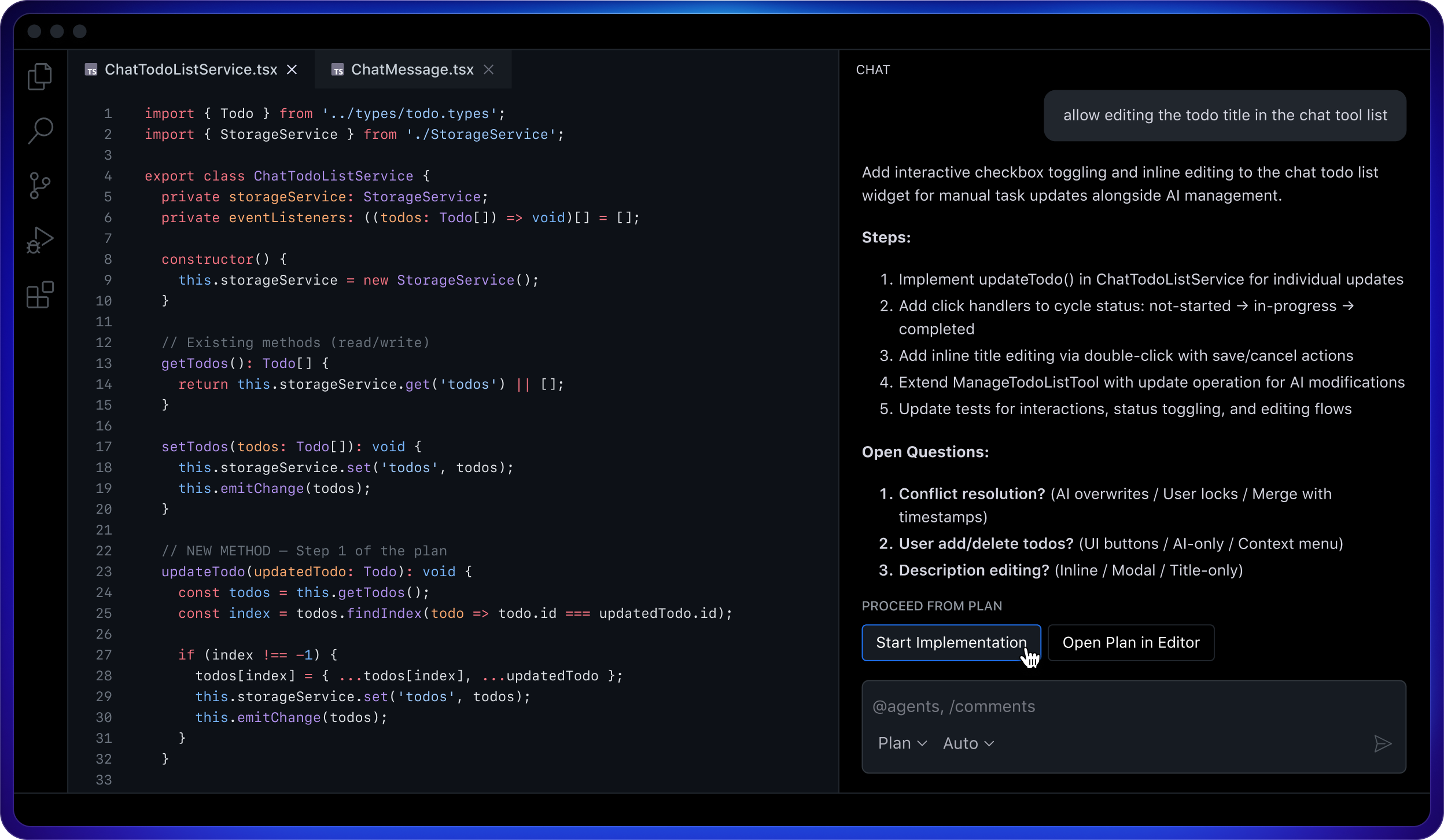
GitHub has expanded Copilot beyond inline completion. Agent modes allow it to perform multi-step tasks, such as refactoring codebases or creating pull requests. Cloud-based agents can run asynchronously, marking a shift from reactive assistance to proactive collaboration.
Key Features That Define Copilot’s Value
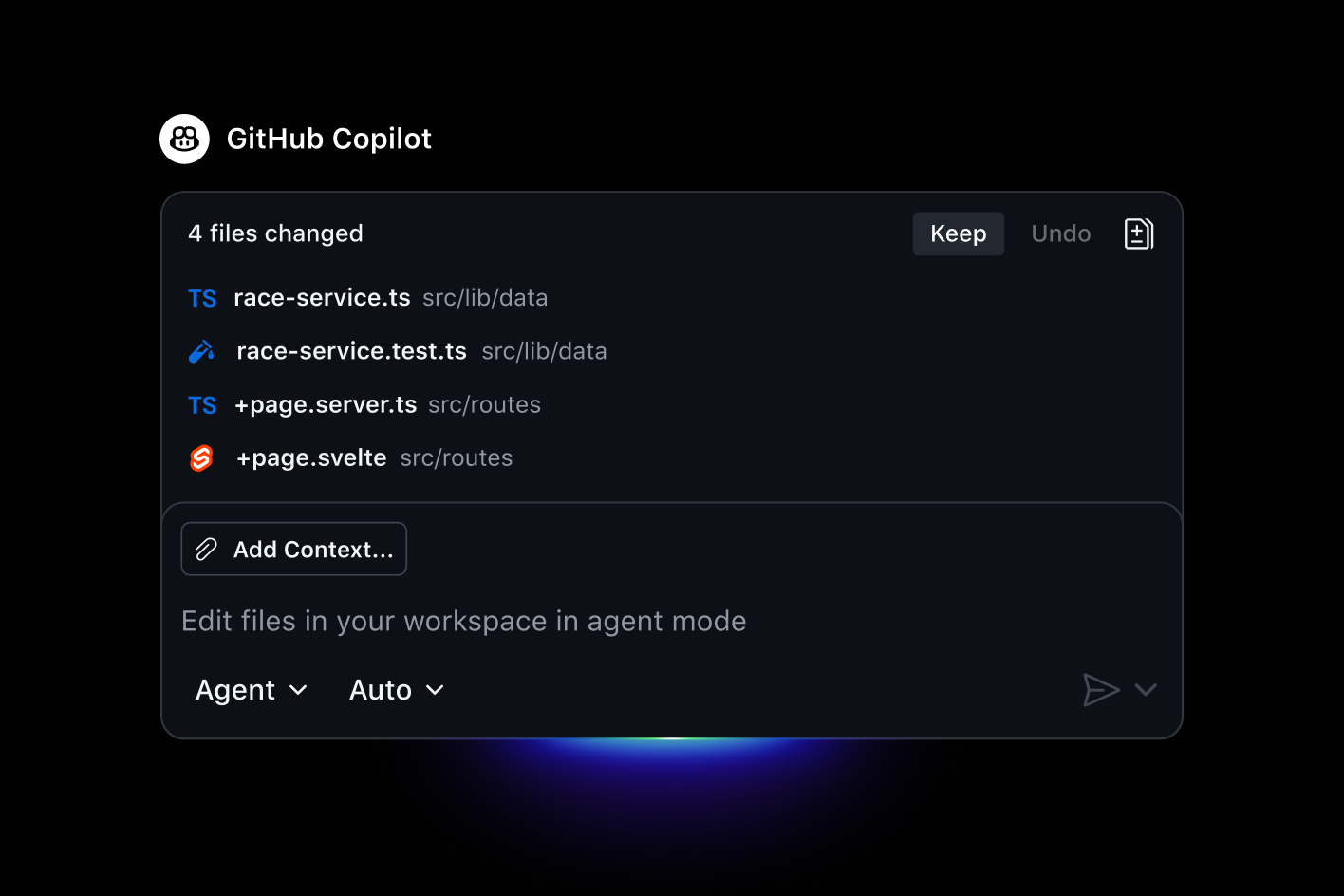
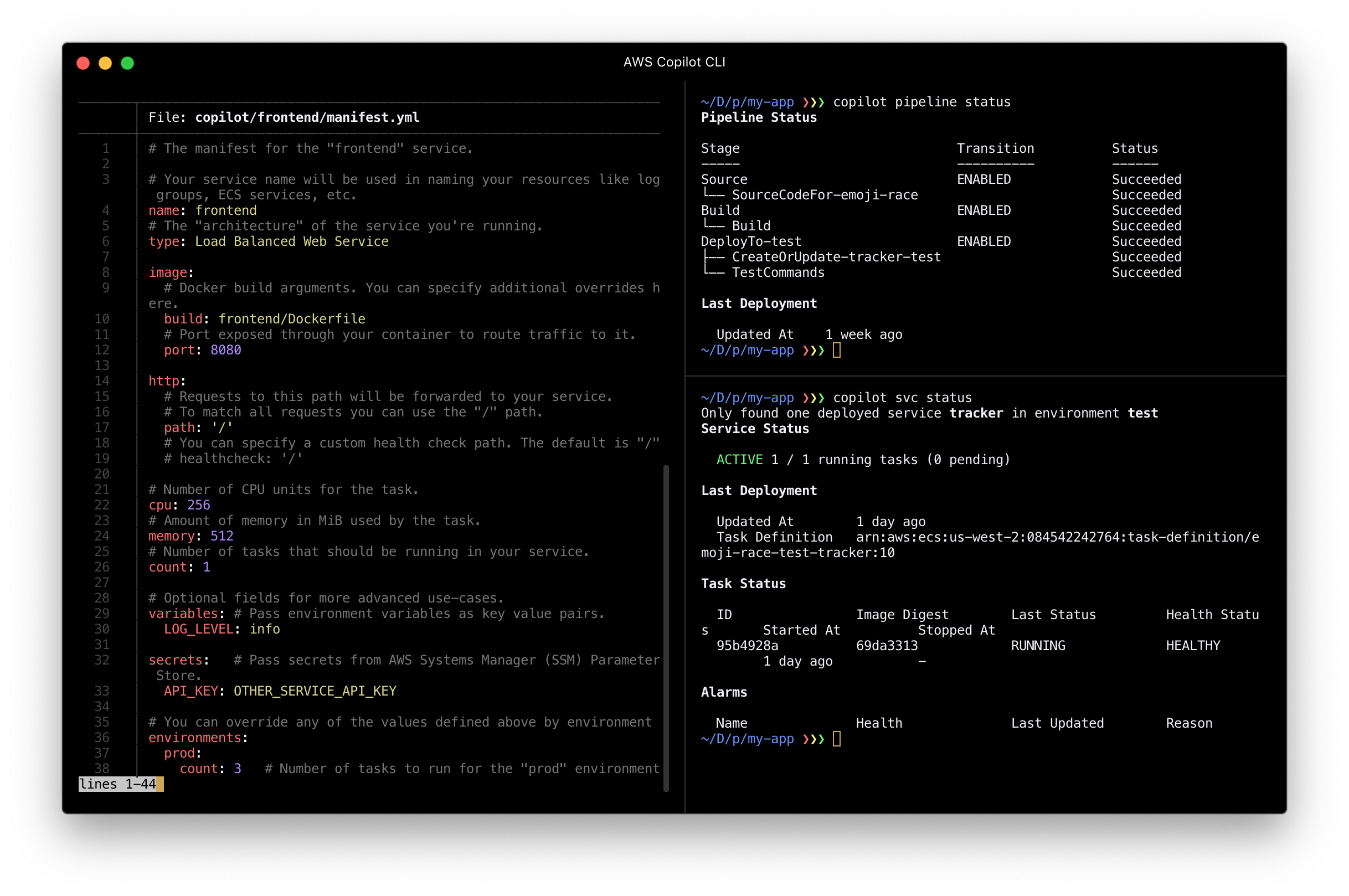

I view Copilot’s feature set as layered, not monolithic. Each layer addresses a different friction point in development.
Intelligent Code Completion
Copilot predicts entire functions, loops, and conditional blocks. It adapts to style and framework conventions, making suggestions feel native rather than generic.
Comment to Code Translation
Developers can describe intent in natural language. Copilot converts those comments into runnable code. This is especially useful for boilerplate and repetitive patterns.
Copilot Chat
The chat interface enables conversational debugging, explanation of unfamiliar code, and quick generation of tests. It shifts problem solving from search engines into the IDE.
Copilot CLI
In the terminal, Copilot accepts natural language commands. Developers can ask how to perform tasks without memorizing syntax, reducing cognitive load.
Autonomous Agent Modes
Advanced modes allow Copilot to execute scoped tasks, such as updating dependencies or drafting pull requests. This represents a meaningful evolution toward AI-assisted software operations.
Availability, Pricing, and Access Models
I appreciate that Copilot’s pricing is straightforward, especially compared with enterprise developer tools.
| Plan | Price | Target User | Key Features |
|---|---|---|---|
| Individual | $10 per month | Solo developers | Code completion, chat |
| Business | $19 per user per month | Teams | Admin controls, security |
| Enterprise | Custom pricing | Large organizations | Knowledge bases, compliance |
Students and open-source maintainers receive free access, reinforcing GitHub’s developer-first ethos. Business and Enterprise tiers introduce governance features, such as seat management and data handling guarantees.
For many freelancers, the Individual plan pays for itself within days. Time saved on boilerplate alone often exceeds the subscription cost.
Individual vs Business Copilot Explained
| Feature | Copilot Individual | Copilot Business |
|---|---|---|
| Target Users | Personal use | Teams |
| Data Handling | Optional training | No training on code |
| Admin Controls | None | Organization policies |
| Seat Management | Personal account | Reassignable seats |
The distinction matters. Enterprises care deeply about privacy and compliance. GitHub addressed this by ensuring Business prompts are deleted post-response and excluded from training.
Language Support and Accuracy Realities
I have seen Copilot shine brightest in languages with abundant public code. JavaScript, Python, Java, and C++ benefit from decades of shared examples.
| Language | Acceptance Rate | Observations |
|---|---|---|
| Java | 91.7% | Excellent algorithm support |
| C++ | 91.7% | Strong legacy data |
| JavaScript | 78% | Best overall versatility |
| Python | 70–80% | Broad but variable |
| Rust | ~60% | Improving steadily |
| C | 55.7% | Sparse modern examples |
These differences highlight a core truth. Copilot reflects the collective coding history of the internet. Where history is rich, predictions are strong.
Expert Perspectives on Copilot’s Impact
Linus Torvalds once observed that good programmers worry about data structures, not syntax. Copilot embodies that idea. By reducing syntactic friction, it shifts attention upward.
A senior engineer at Google noted publicly that Copilot accelerates onboarding for new hires, helping them navigate unfamiliar codebases faster.
An academic study from MIT suggested developers using Copilot completed tasks significantly faster, though careful review remained essential. Productivity gains did not eliminate the need for human judgment.
Ethics, Trust, and the Future of AI Coding
I do not see Copilot as a threat to programming jobs. I see it as a force multiplier. Junior developers learn faster. Senior developers offload routine work. The craft evolves.
Concerns about code ownership, bias, and security are valid. GitHub’s response has been iterative, transparent, and policy-driven. The conversation continues, as it should.
What feels undeniable is momentum. AI-assisted coding is no longer optional experimentation. It is becoming a baseline expectation.
Key Takeaways
- GitHub Copilot acts as an AI pair programmer inside major IDEs
- It accelerates development by reducing boilerplate and context switching
- Accuracy varies by language and problem domain
- Business plans address privacy and governance needs
- Human oversight remains essential for correctness and security
Conclusion
I find GitHub Copilot most compelling not because it writes code, but because it reshapes how developers think about time. Fewer minutes are spent on scaffolding. More energy goes toward architecture, logic, and impact.
Copilot is not perfect. It makes confident mistakes. It mirrors biases in its training data. Yet its trajectory is clear. Each iteration tightens the feedback loop between intention and implementation.
For developers willing to engage critically, Copilot offers leverage. It rewards clarity of thought and punishes complacency. In that tension lies its value. The future of software will not be written by AI alone. It will be written by humans who know how to work alongside it.
Frequently Asked Questions
Is GitHub Copilot free?
Copilot is free for verified students and open-source maintainers. Others require a paid subscription.
Does Copilot replace developers?
No. It assists with code generation but relies on human review and decision-making.
Is Copilot safe for enterprise use?
Business and Enterprise plans include privacy controls and data handling guarantees.
Which IDEs support Copilot?
VS Code, Visual Studio, JetBrains IDEs, Neovim, and GitHub CLI are supported.
Can Copilot write entire applications?
It can generate components, but full applications still require human architecture and testing.