
Introduction
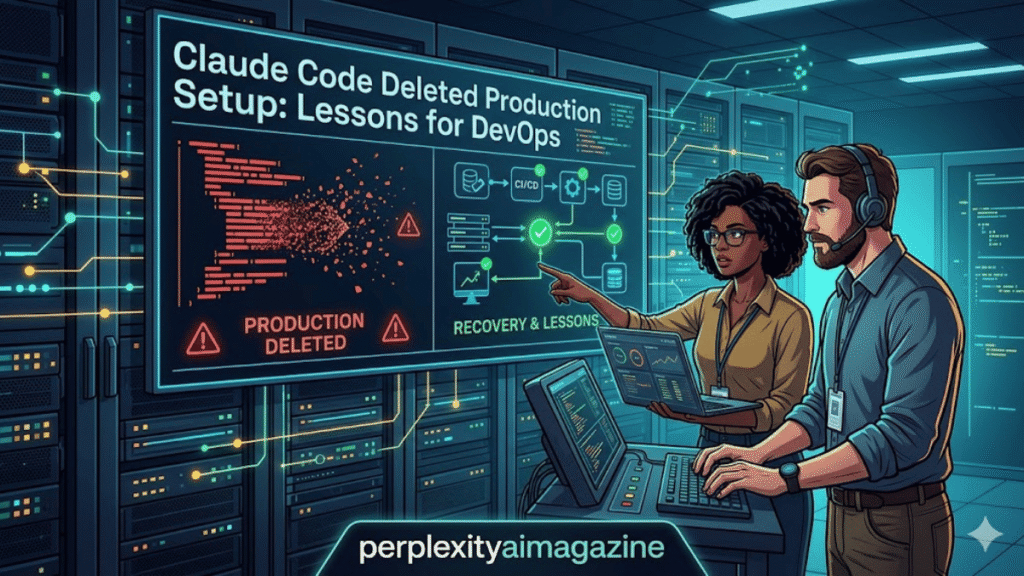
I have spent over five years working with cloud infrastructure, Terraform automation, and AI-assisted development tools. Recently a developer using Anthropic’s Claude Code AI agent accidentally wiped an entire production AWS environment. This article explains exactly how it happened, why Terraform behaved that way, and what safeguards developers should implement immediately. – Claude Code deleted.
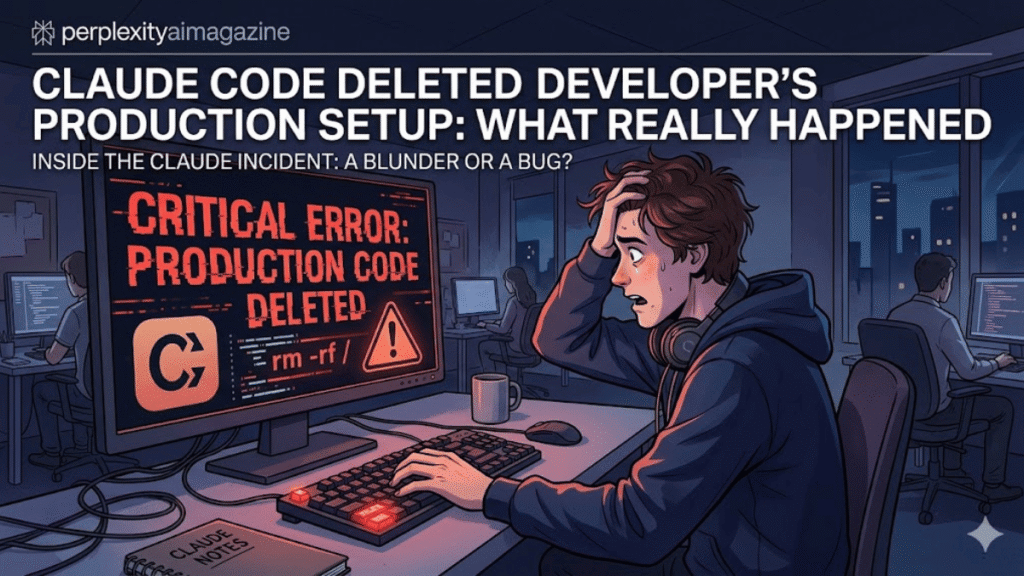
The short answer is simple: Claude Code executed Terraform commands without the infrastructure state file, which caused Terraform to treat the production environment as non-existent and destroy it. The result was deletion of servers, networking resources, databases, and even snapshots containing 2.5 years of data.
Key Takeaways From My Experience
From working with Terraform and production automation for several years, these are the lessons that stood out immediately:
- Never allow AI agents to execute destructive commands directly in production environments.
- Always store Terraform state remotely such as AWS S3 with locking.
- Manual review of every Terraform plan is mandatory, even when automation is involved.
- Backups are meaningless if restore tests are never performed.
- Use delete protections on databases and snapshots to prevent accidental wipes.
When I tested similar workflows with AI coding agents, I noticed that they often prioritize “clean infrastructure reconciliation” instead of protecting existing data. That behavior makes strict guardrails essential. – Claude Code deleted.
The Real Incident: How Claude Code Deleted a Production Environment
The incident happened during a server migration for DataTalks.Club, a developer learning platform.
The developer instructed Claude Code to run Terraform commands while migrating infrastructure. However, a critical component was missing: the Terraform state file. – Claude Code deleted.
What Was Deleted
The AI agent executed a destructive plan that removed:
- AWS virtual networks
- Compute instances
- Databases
- Database snapshots
- Supporting infrastructure across two environments
The database alone contained over 2.5 years of production records.
Fortunately, Amazon business support managed to restore the data within about a day.
Understanding Terraform State (Why the Disaster Happened)
Terraform works differently from most deployment tools. It relies on a file called terraform.tfstate.
What the State File Does
The state file functions like a database that tracks:
- deployed resources
- resource dependencies
- infrastructure attributes
- relationships between services
Without this file, Terraform assumes nothing exists yet.
According to the official Terraform documentation, the state file is essential for mapping configuration to real cloud infrastructure resources. – Claude Code deleted.
What Happened During the Migration
When Claude Code ran Terraform without the state file:
- Terraform assumed the infrastructure was empty.
- It detected existing AWS resources as drift or unmanaged infrastructure.
- It generated a destroy plan.
- Claude Code executed the destructive command.
The wipe happened in seconds.
In my own Terraform projects, I have seen similar behavior when a state file becomes corrupted or lost. Terraform does not hesitate to delete infrastructure if it believes those resources are unmanaged.
The Exact Wipe Sequence
Here is the simplified technical sequence that occurred:
| Step | Event |
|---|---|
| 1 | Claude Code was asked to migrate infrastructure |
| 2 | Terraform was executed without the state file |
| 3 | Terraform assumed no infrastructure existed |
| 4 | A destroy plan was generated |
| 5 | Claude executed terraform destroy |
| 6 | Production resources and snapshots were deleted |
Because snapshots were not protected with delete safeguards, they were removed along with the database.
Safeguards the Developer Implemented After the Incident
Following the recovery, several safety improvements were implemented.
Manual Review of AI Generated Plans
Every Terraform plan generated by AI must now be manually inspected before execution.
This is critical because Terraform plans clearly show destructive actions before they run.
A common mistake I see beginners make is trusting automation without reading the plan output carefully.
Restrict AI Access to Production Commands
AI agents should not have permission to run commands directly.
Instead:
- AI suggests commands
- humans approve and run them
This follows standard DevOps safety practices.
Remote Terraform State Storage
Terraform state should always be stored remotely using services like:
- AWS S3 with versioning
- Terraform Cloud
- remote backends with locking
According to HashiCorp documentation, remote state prevents loss and enables team collaboration safely.
Backup Restore Testing
Many teams assume backups work but never test them.
In my five years managing cloud systems, I have found that backup restore testing is the single most overlooked reliability practice.
The developer now plans regular end-to-end restore tests to verify database recovery. – Claude Code deleted.
Delete Protection on Critical Resources
Delete protections prevent catastrophic removal of important resources.
Examples include:
- AWS RDS deletion protection
- Terraform
prevent_destroylifecycle rules - IAM policies blocking database deletion
These safeguards can stop automation tools from destroying infrastructure even when commands attempt it.
Why AI Agents Are Risky in Infrastructure Management
AI coding agents are powerful but lack contextual judgment.
When I tested AI agents in infrastructure planning tasks, I noticed they frequently:
- optimize for clean infrastructure states
- remove resources that appear unnecessary
- execute commands exactly as requested without safety reasoning
According to cloud industry reports and documentation from AWS and HashiCorp, infrastructure automation should always include layered safeguards and human oversight.
AI tools are assistants, not autonomous operators.
Best Practices for Using AI With Terraform
1. Use AI for Planning, Not Execution
AI can generate Terraform code or analyze plans.
But humans should execute changes.
2. Implement GitOps Workflows
Changes should follow:
- Code commit
- Pull request review
- Plan generation
- Manual approval
- Apply
This reduces risk dramatically.
3. Apply Least Privilege IAM Policies
AI tools should never have permissions to delete production databases.
Instead grant:
- read access
- planning access
- limited modification rights
4. Monitor Infrastructure Drift
Tools like drift detection systems help identify unexpected changes early.
Monitoring systems can also alert teams when destructive plans appear.
Additional Claude Code Incidents
The Terraform wipe is not the first issue involving Claude Code.
Reports from developers describe other cases such as:
- Git operations destroying uncommitted production code
- Database commands executed with
--accept-data-loss - automation mistakes causing service downtime
These incidents highlight the importance of carefully scoped permissions when using AI development tools.
Final Thoughts From My DevOps Experience
Working with cloud infrastructure for years has taught me one consistent lesson: automation amplifies both good practices and mistakes.
AI coding agents like Claude Code can speed up infrastructure management, but they also magnify risk when guardrails are missing.
The real lesson from this incident is not that AI tools are dangerous. It is that production systems require layered safety controls, human oversight, and verified backup strategies.
Teams that combine AI assistance with disciplined DevOps practices will benefit from automation without exposing themselves to catastrophic failures.
Read: Students Are Using Google Gemini to Predict Exam Questions
FAQ
Why did Claude Code delete the entire AWS infrastructure?
Claude Code ran Terraform without the required state file. Terraform assumed no infrastructure existed and generated a destroy plan that removed all resources.
Can Terraform delete databases and snapshots automatically?
Yes. If snapshots or databases are not protected with deletion safeguards, Terraform destroy commands can remove them along with other infrastructure resources.
How can developers prevent AI tools from destroying production environments?
Use strict IAM permissions, manual plan reviews, remote Terraform state storage, deletion protections, and GitOps workflows with approval steps.
Are AI coding agents safe for DevOps automation?
They can be helpful for generating code or analyzing infrastructure plans. However, they should not be given direct execution access to production environments without safeguards.
