
I still remember the first time I watched a system administrator juggle six remote desktop windows, three SSH terminals, and a VNC viewer across two monitors, all while responding to alerts. That moment explains why Terminal 4.0 matters. Within the first minutes of using it, the intent becomes clear. It exists to reduce cognitive clutter, not to impress with design trends. It solves a practical problem that Windows administrators face every day.
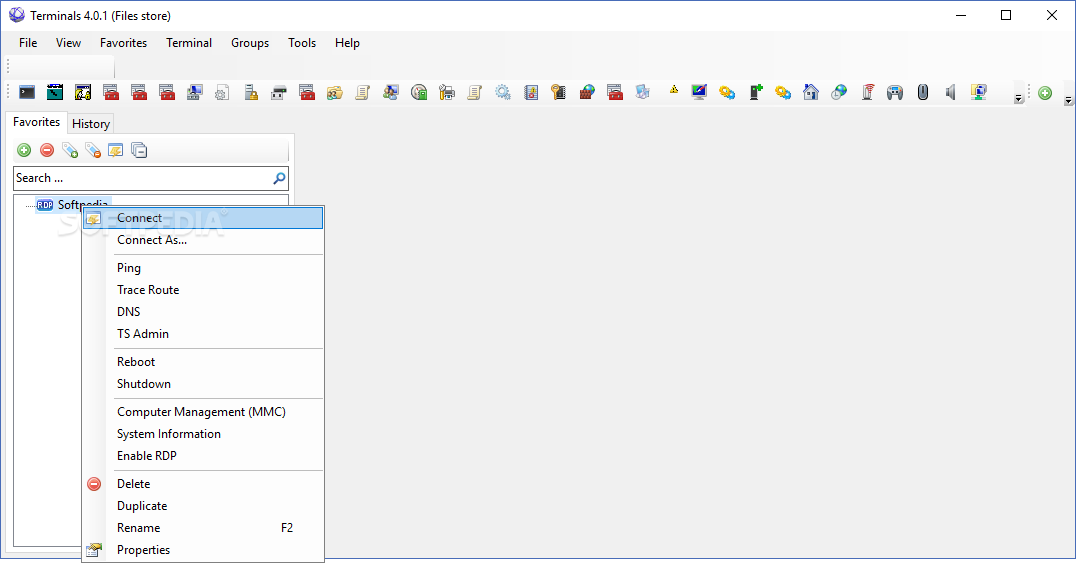
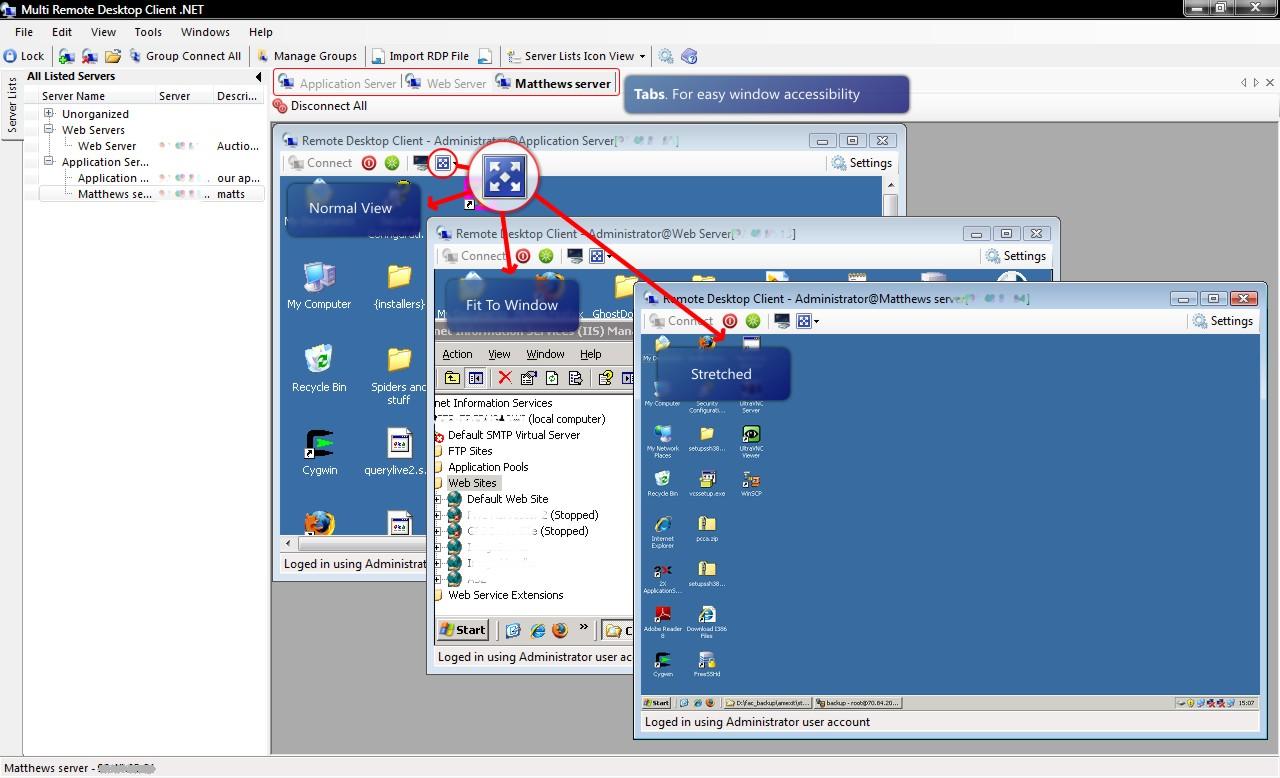

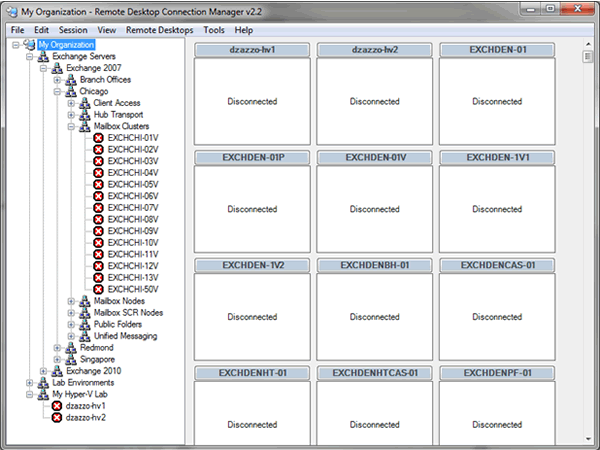
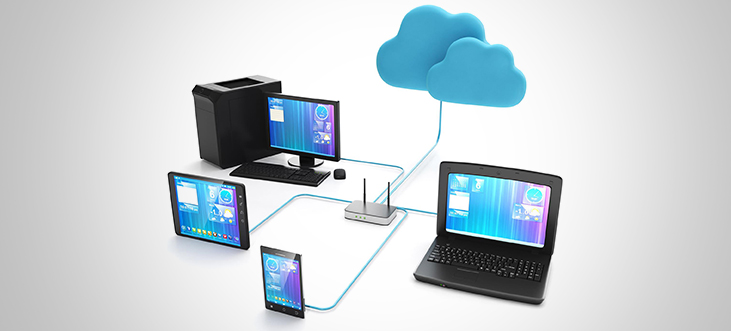
Terminal 4.0 was designed specifically for administrators who manage multiple servers, devices, or virtual machines at once. Instead of opening separate applications for RDP, SSH, VNC, or Citrix, it unifies them into a single tabbed interface. The experience feels closer to a web browser than a traditional remote desktop tool, which is precisely its strength.
Read: AI.com $70 Million Sale and the Story Behind It

At its peak around version 4.0 and 4.0.1, Terminals reached a point of functional maturity. It did not chase constant updates, but it delivered stability. For small and mid sized businesses, labs, and hybrid IT environments, that stability became its defining feature. The software quietly earned trust by staying out of the way and letting administrators focus on systems, not tools.

Understanding Terminal 4.0 as an Administrative Tool
I approach Terminal 4..0 as a workflow instrument rather than a feature checklist. At its core, it is a Windows based remote connection manager that consolidates many protocols into one interface. It relies on Microsoft’s native RDP engine while extending functionality through open source architecture.

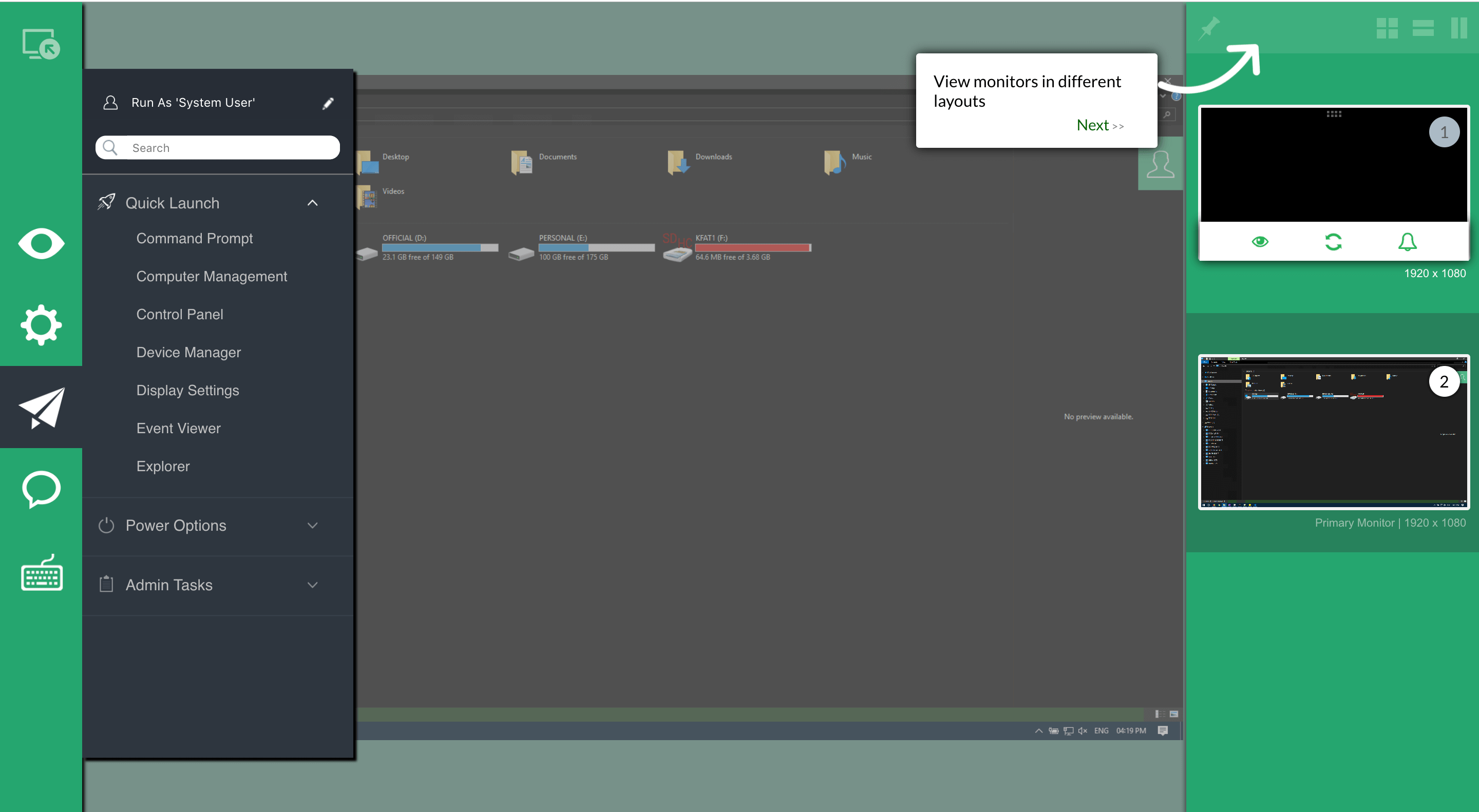
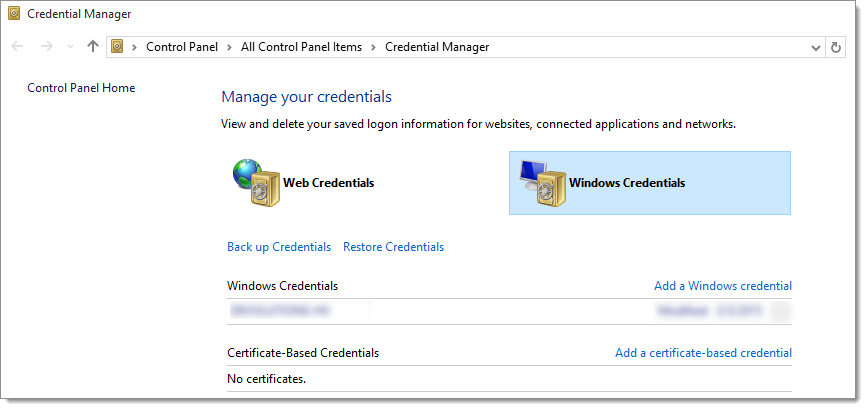
What separates it from lightweight clients is persistence. Sessions can be grouped, tagged, saved, and restored. Credentials are stored securely. Entire environments can be opened in one click. For administrators managing test, staging, and production simultaneously, this structure reduces error risk.


The original open source project, maintained under the Terminals-Origin repository, focused on pragmatic needs. There was no attempt to replace enterprise automation platforms. Terminal 4.0 instead aimed to make day to day remote access predictable, fast, and mentally manageable.

Protocol Unification and Why It Matters
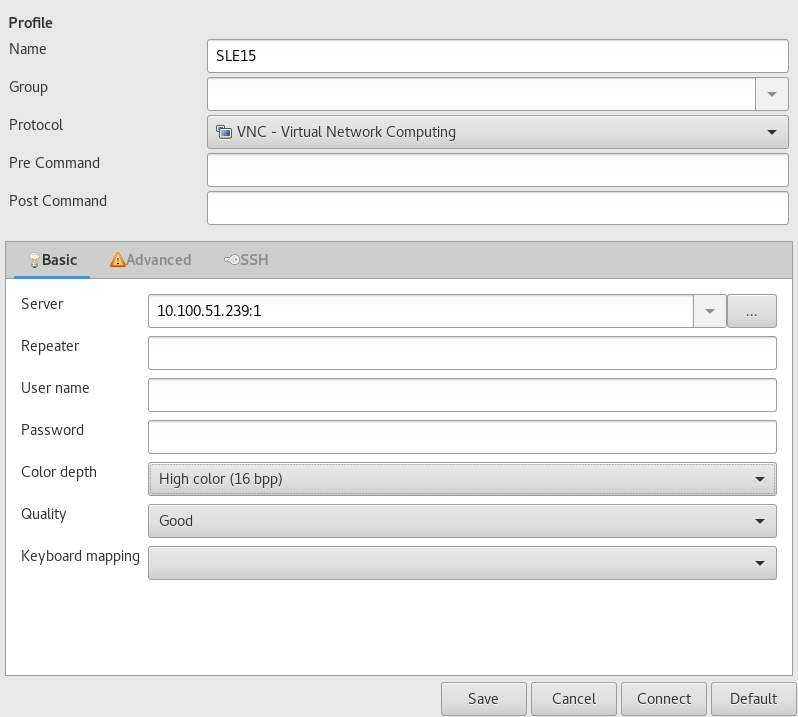
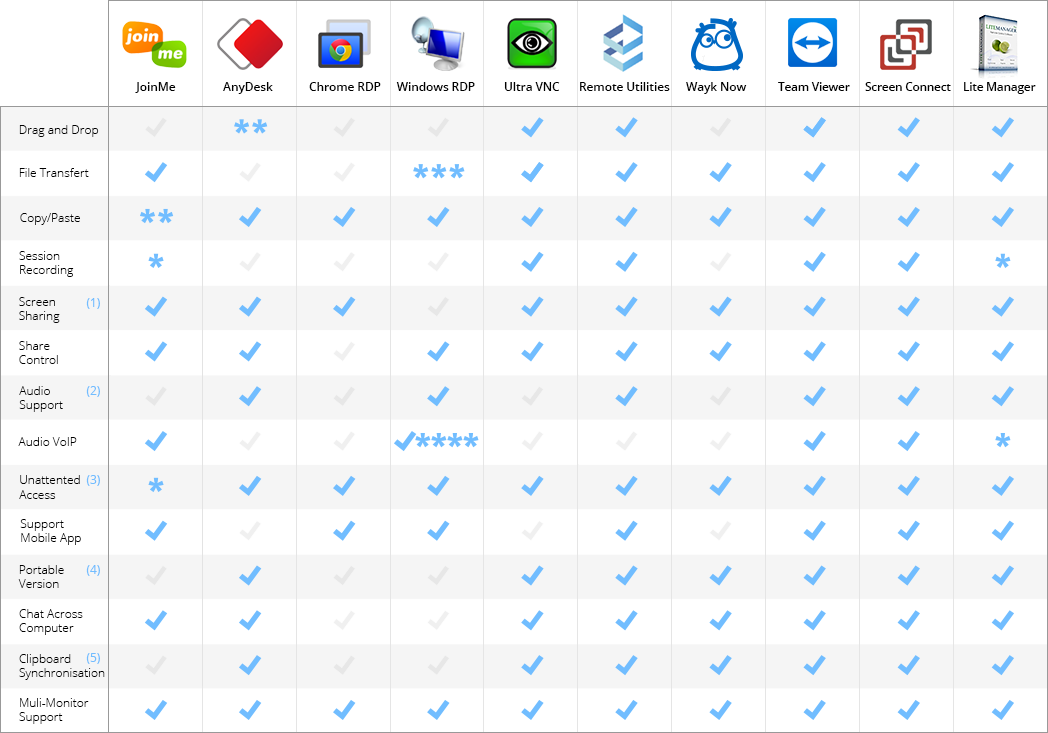
I have seen administrators lose time not because systems were slow, but because tools were fragmented. Terminal 4.0 addresses that by supporting RDP, SSH, VNC, Telnet, VMRC, Citrix ICA, RAS, and HTTPS in one place.

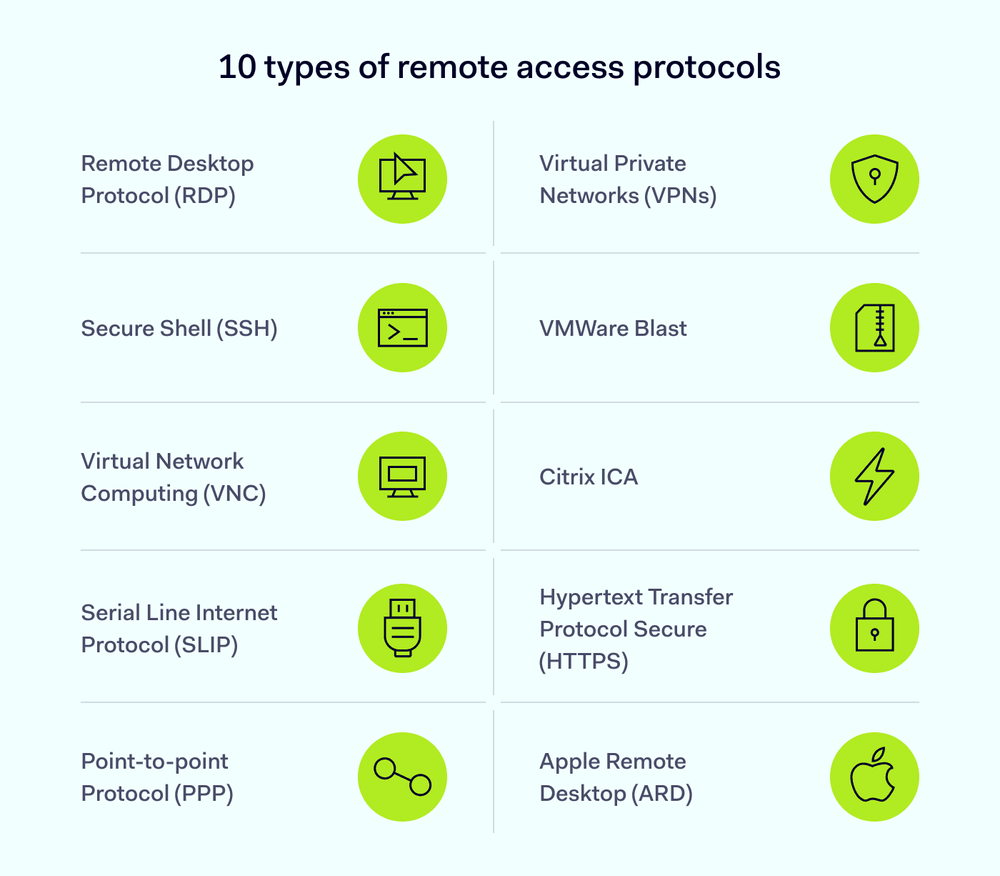
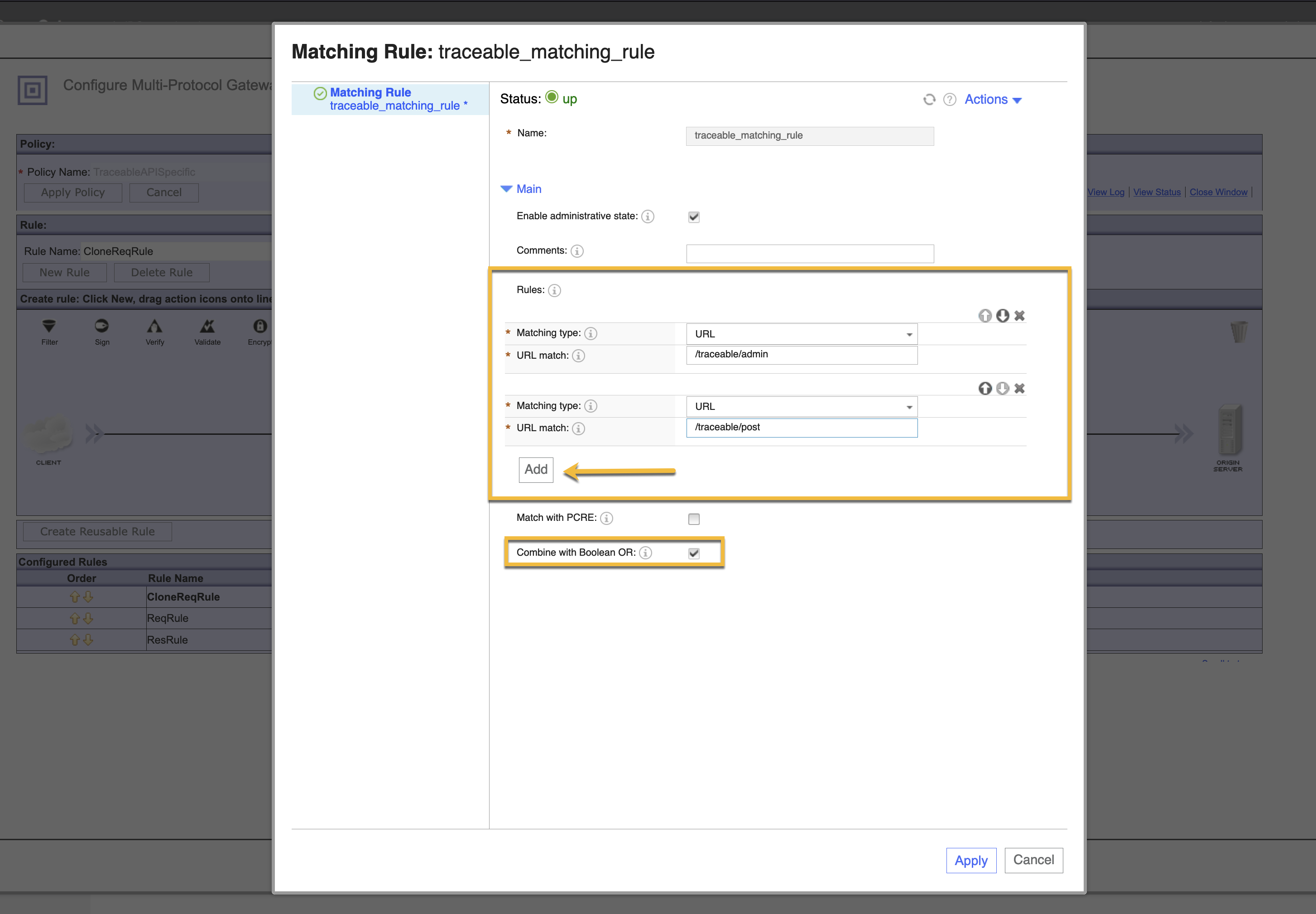
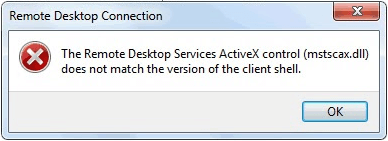
RDP is built on Microsoft’s mstscax.dll, which ensures compatibility with Windows servers. SSH support allows secure access to Linux and Unix machines. VNC enables graphical access to legacy or specialized systems. The value lies in not needing to context switch between applications.

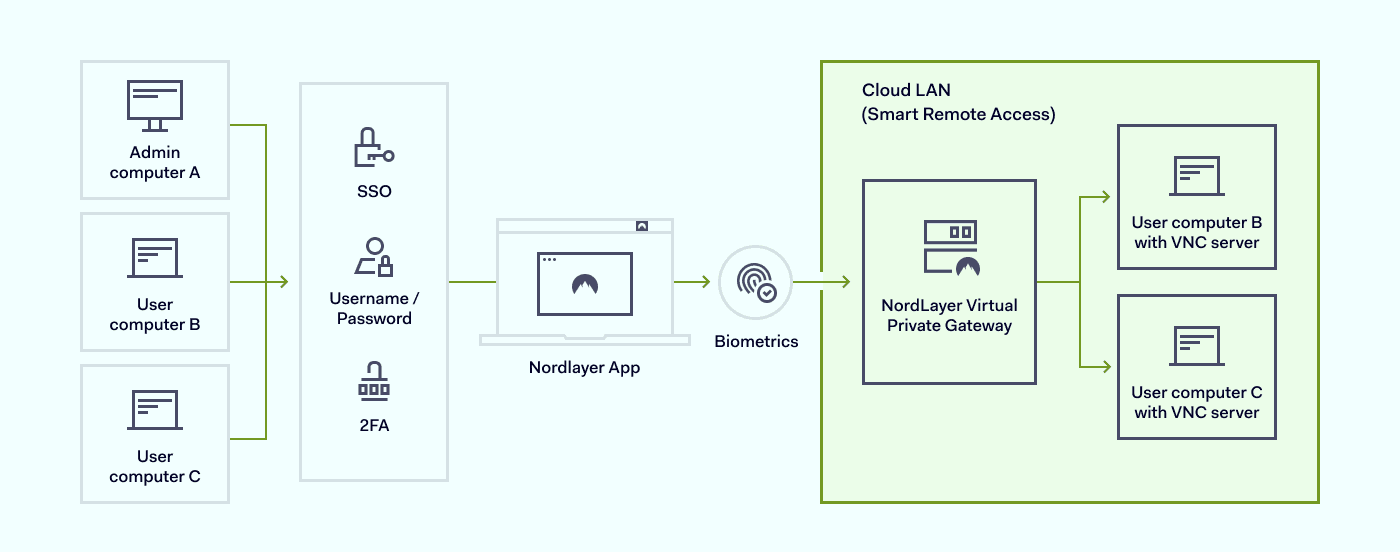
An infrastructure architect once noted, “Reducing tool switching reduces mistakes more than adding automation.” That insight applies perfectly here. Terminal 4.0 lowers friction, and in IT operations, friction is often the hidden enemy.


Tabbed Sessions as a Cognitive Design Choice
I find the tabbed interface to be Terminal 4.0’s most underrated feature. It mirrors how administrators already think. Each server becomes a tab, each environment a window, each task a contained context.


Unlike floating windows, tabs reduce visual noise. They also make it easier to monitor multiple live sessions without losing track of where commands are being executed. In high pressure environments, that matters.
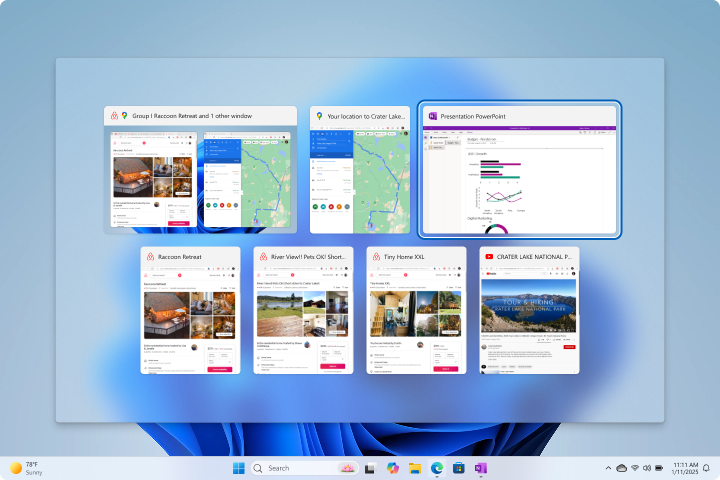

According to systems reliability engineer perspectives shared in open source forums, tabbed session models reduce accidental cross environment commands. Terminal 4.0 quietly implemented that principle years before it became common design wisdom.


Administrative Tools Beyond Connectivity
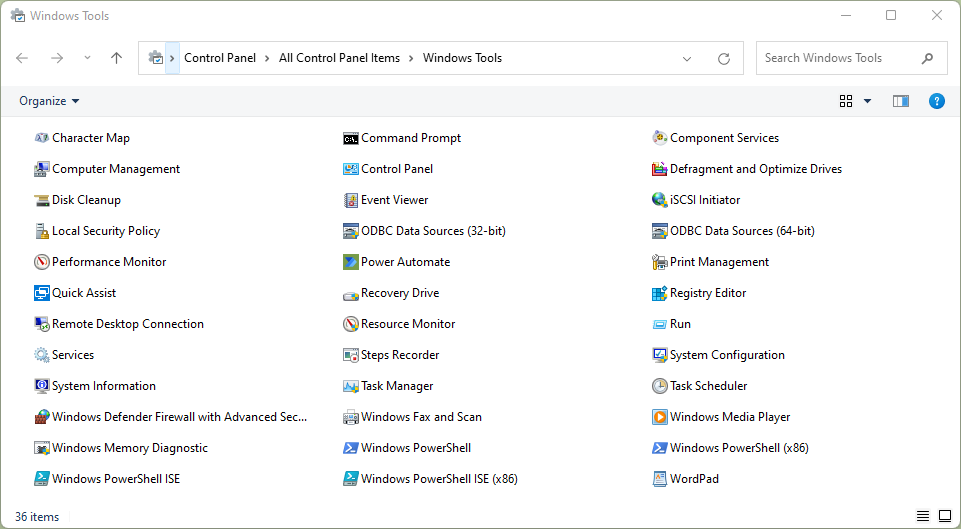
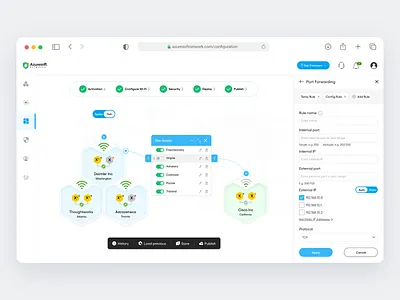
I appreciate Terminal 4.0 because it does not stop at connections. It includes diagnostics like ping, traceroute, DNS lookup, and port scanning directly within the interface.
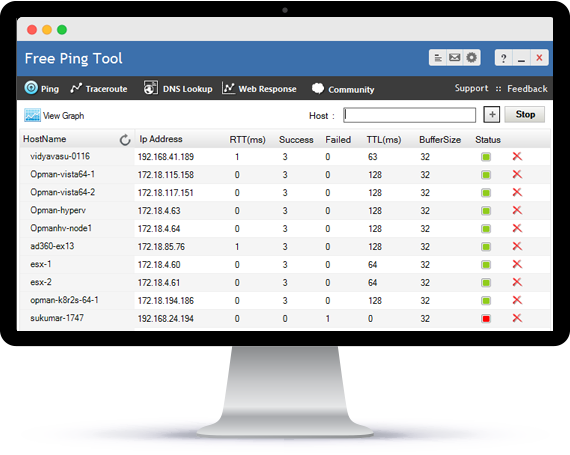
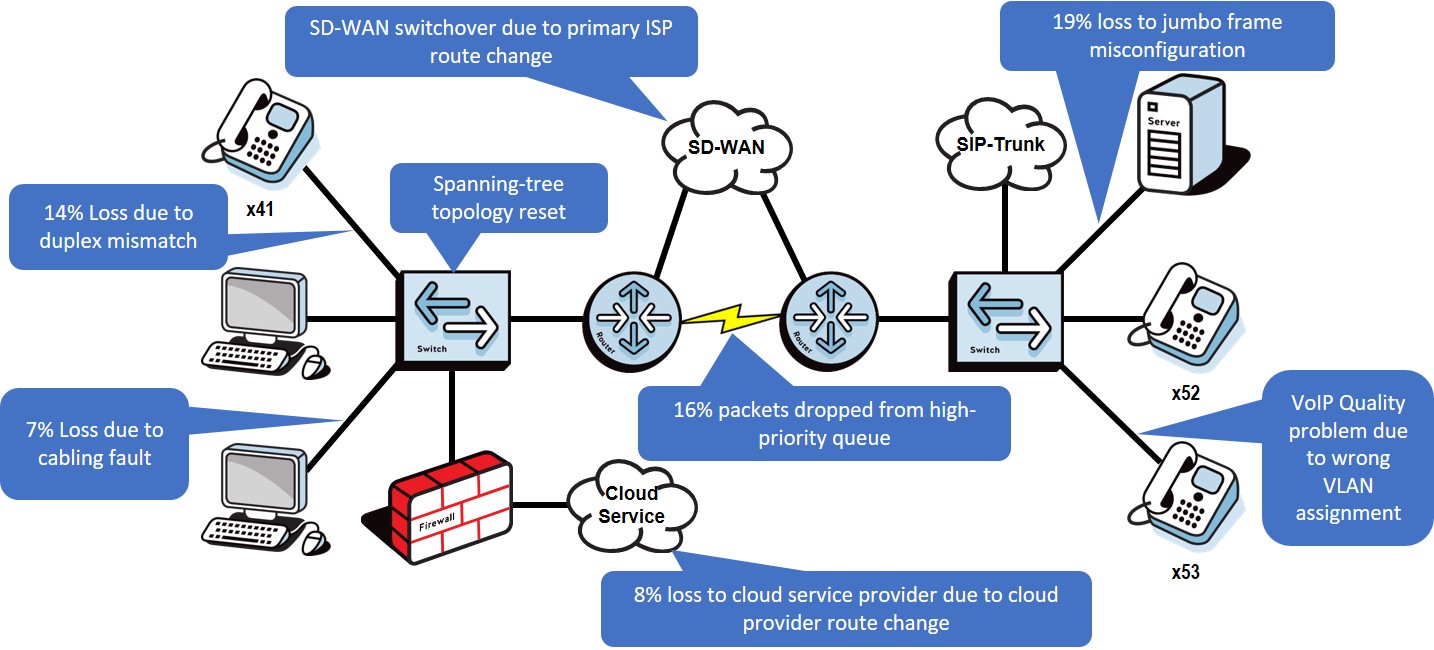
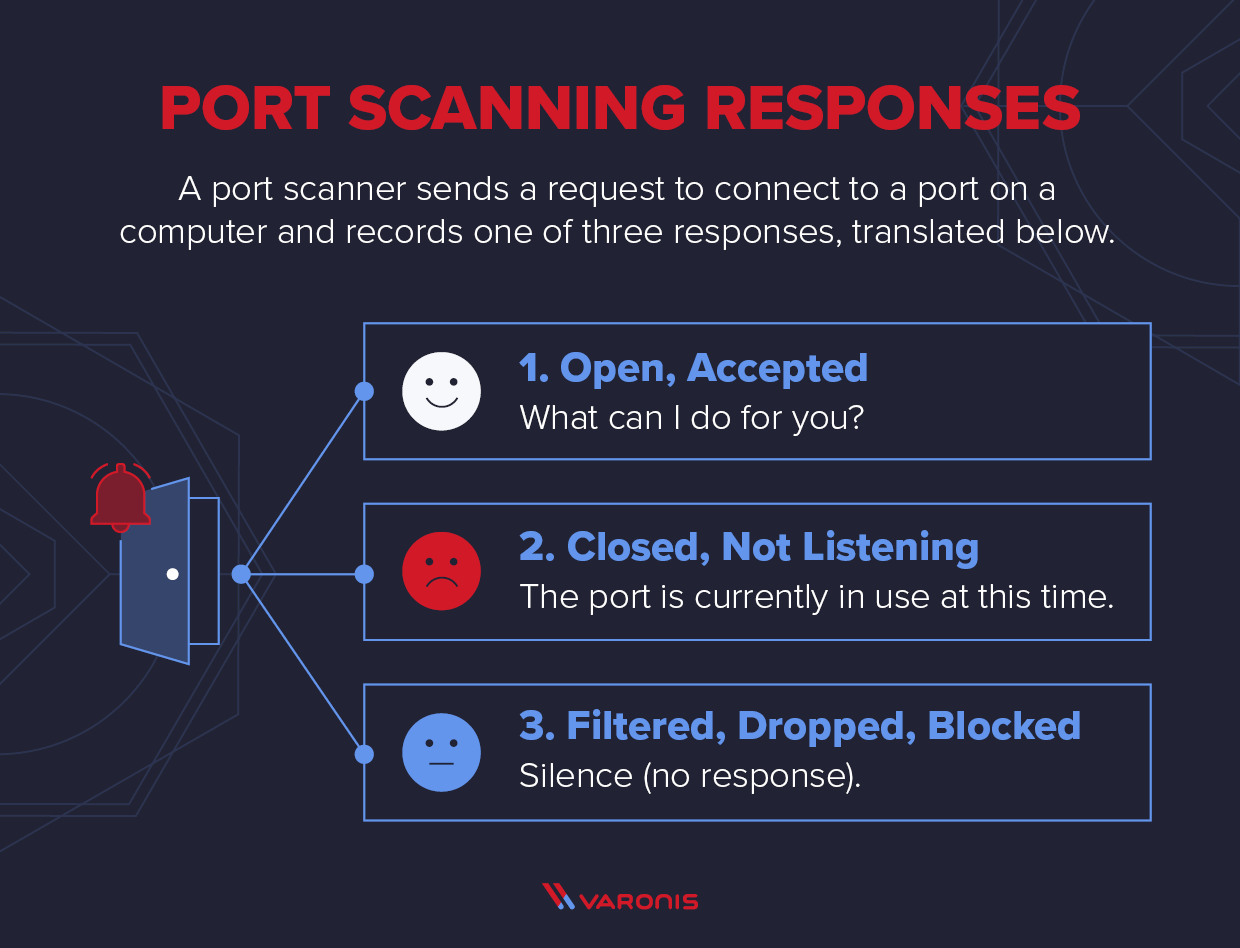
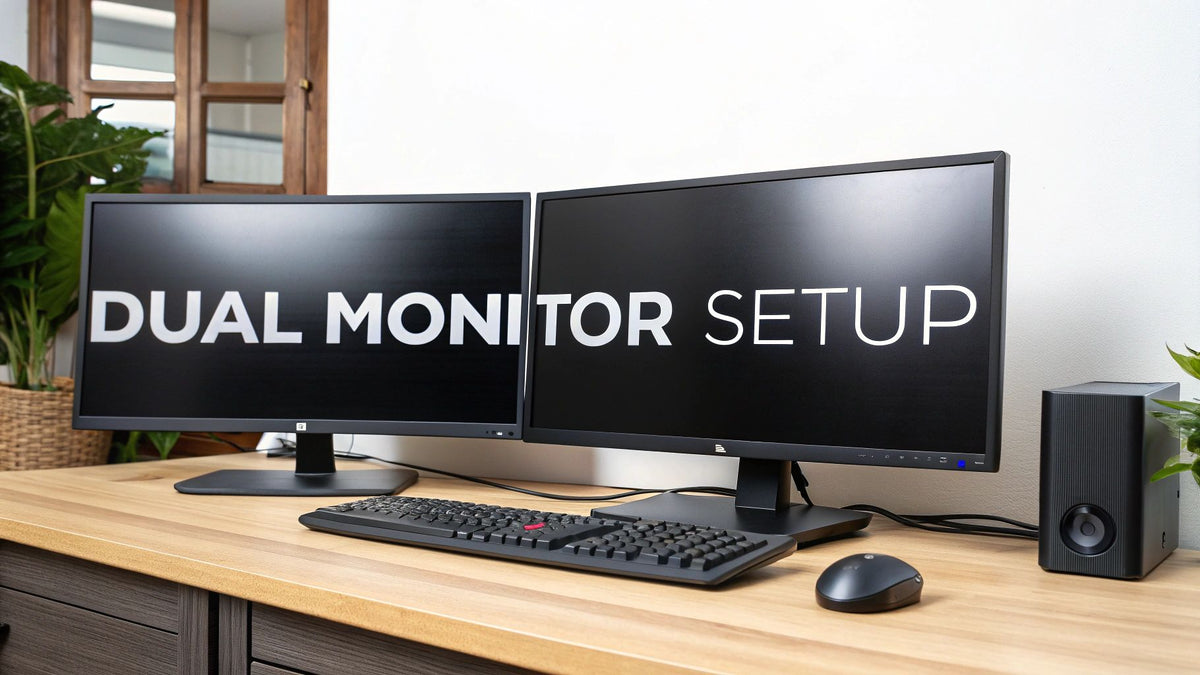
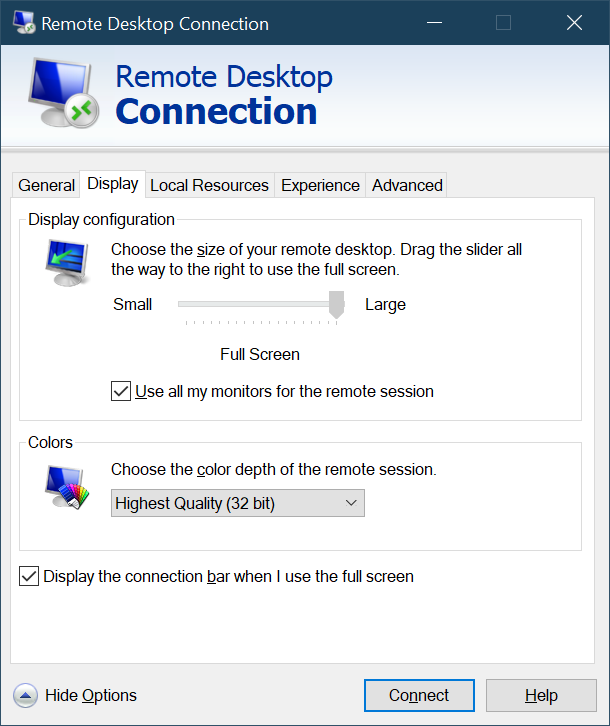
Screenshots can be captured from sessions, which simplifies documentation and incident reporting. Full screen and multi monitor support allow administrators to scale their workspace without changing habits.

A network operations manager once summarized it well, “The best admin tools save minutes repeatedly, not hours once.” Terminal 4.0 embodies that philosophy.

Stability, Version 4.0.1, and Known Issues
I view version 4.0.1 as the most stable release in the Terminal lineage. It addressed several crashes present in 4.0.0, particularly around database synchronization and export operations.
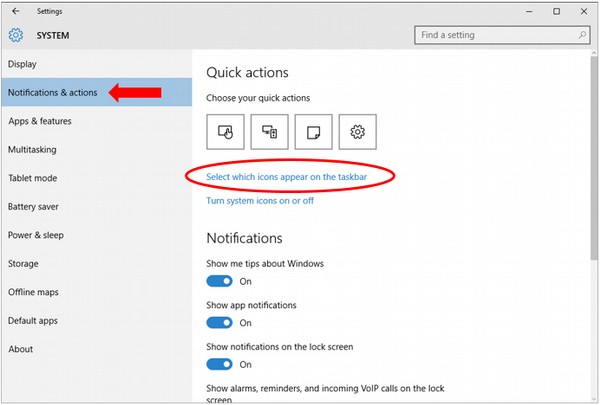
One known issue involved the application closing when minimized to tray. The fix was simple but undocumented for years. Disabling “Minimize to Tray” prevented session loss. This highlights the era in which the tool was built, when community knowledge mattered more than release notes.

Despite these quirks, many administrators still trust Terminal 4.0.1 in controlled environments. Its lack of rapid updates became a strength rather than a weakness.

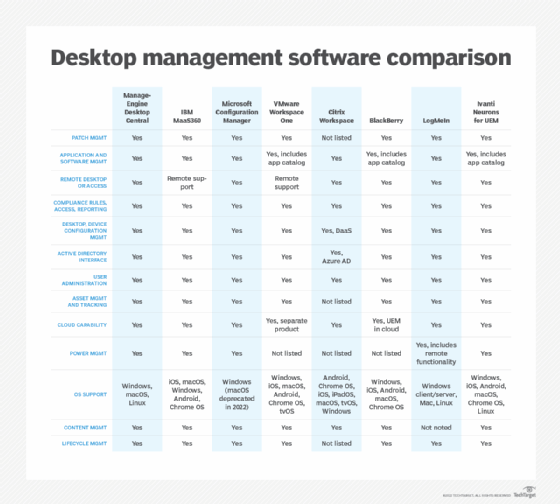
Comparison Table: Terminal 4.0 vs Modern Alternatives
| Feature | Terminal 4.0 | Modern Cloud Managers |
|---|---|---|
| Protocol Coverage | Very Broad | Often Limited |
| Tabbed Sessions | Native | Sometimes Add On |
| Offline Use | Full | Limited |
| Update Frequency | Low | High |
| Cost | Free | Subscription |
Installation and Deployment Options
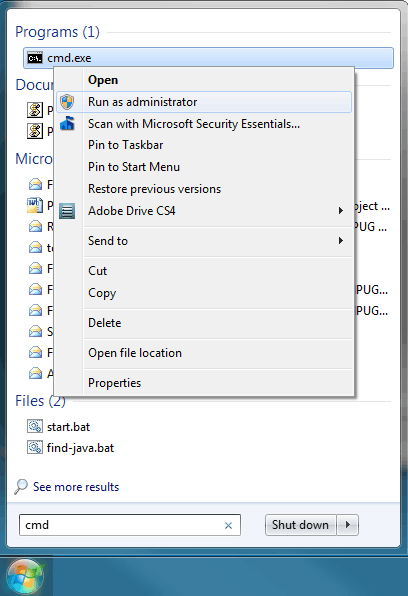
I still recommend the MSI installer for clean deployment. Running it as administrator ensures proper registry and database initialization.

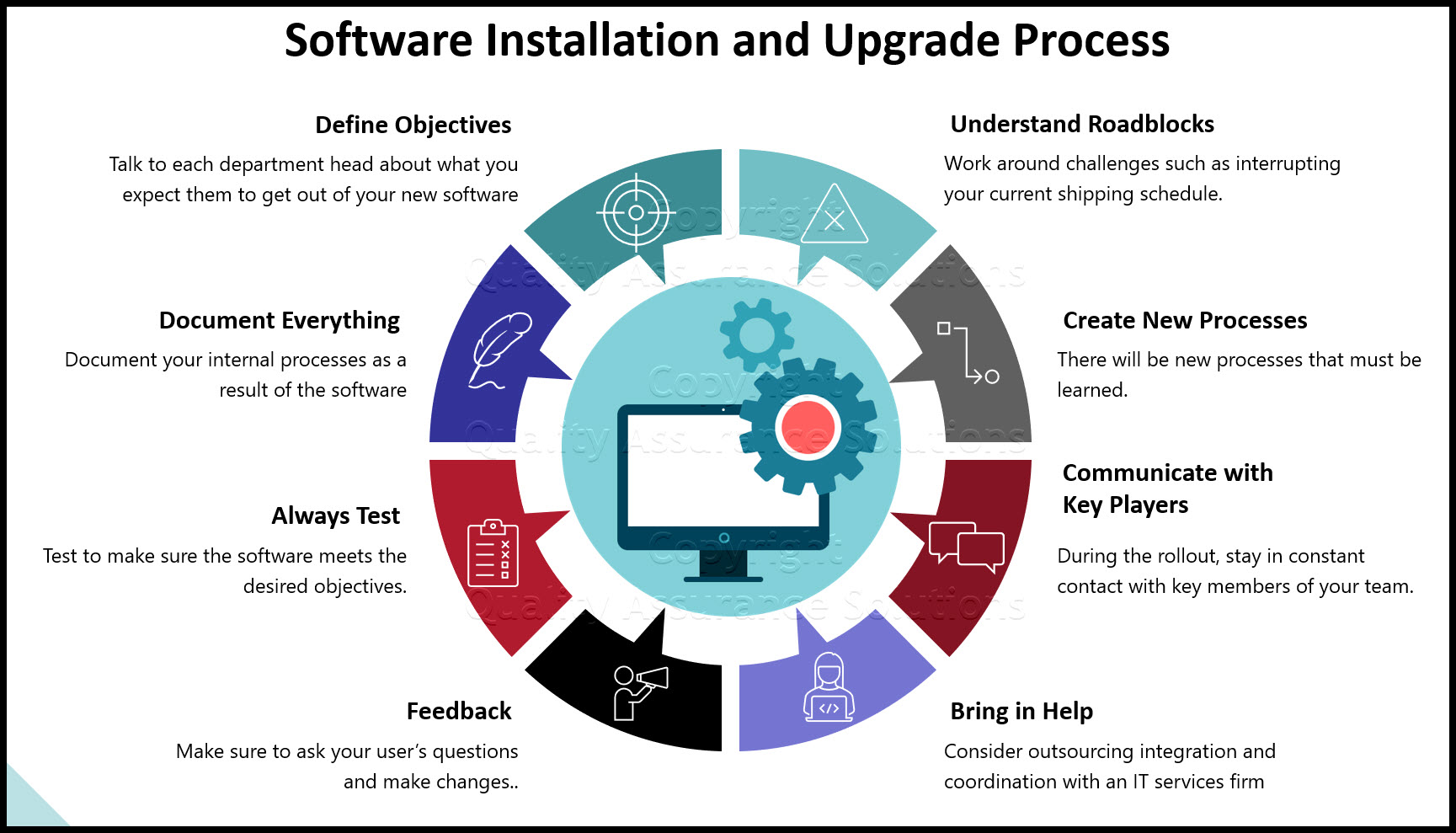
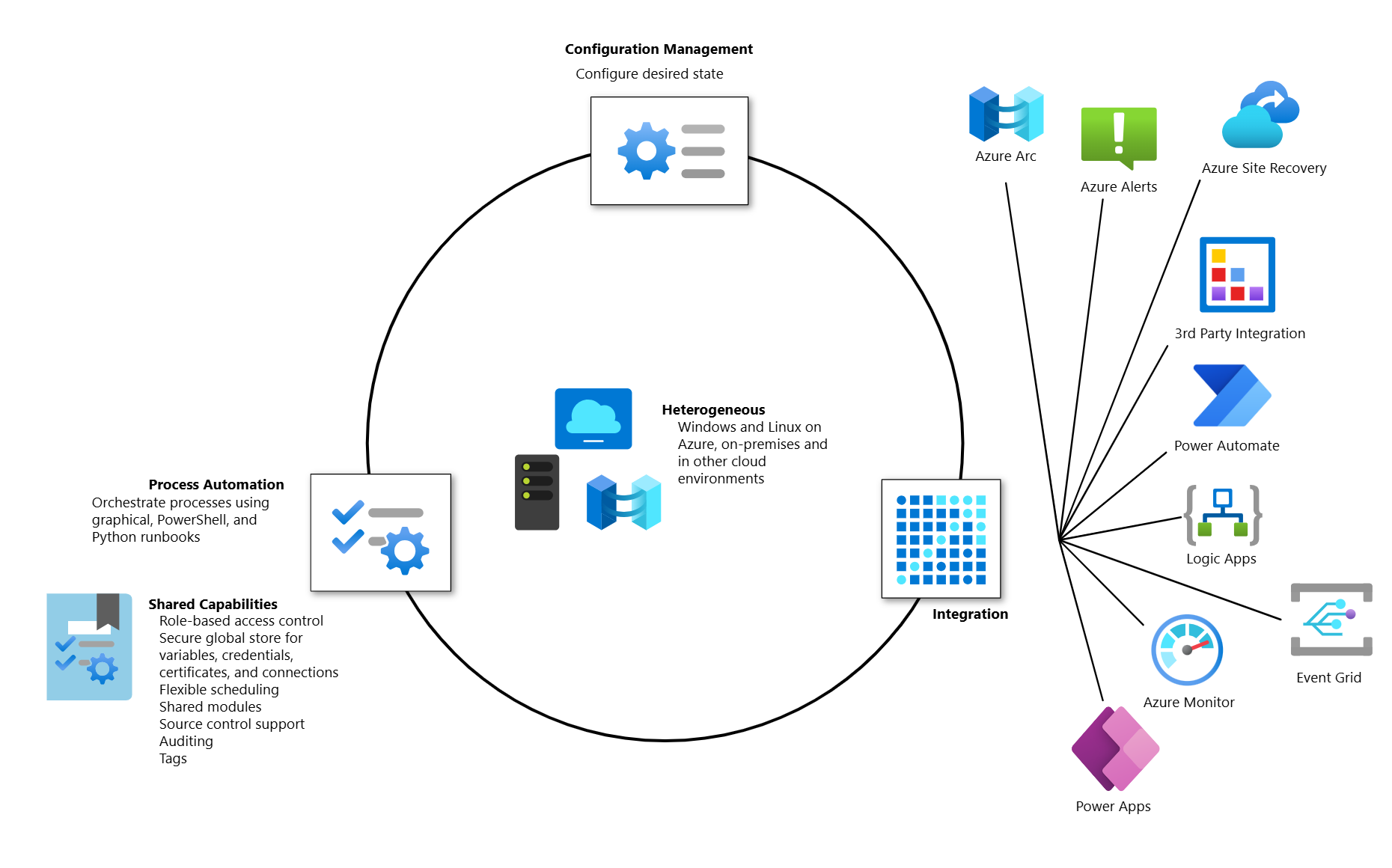
Chocolatey support made Terminal 4.0 easier to manage at scale. Silent installs allowed scripting across multiple machines, which mattered in enterprise labs and training centers.
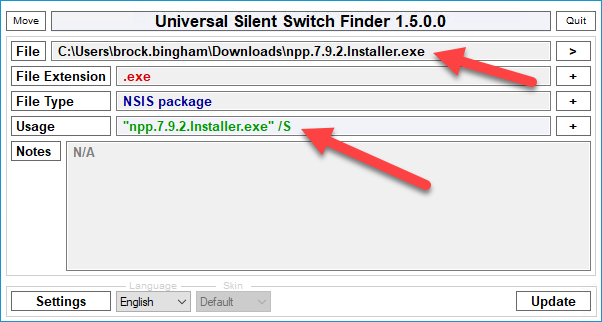
Verifying file hashes before installation remains a best practice. Terminal 4.0’s era predates today’s supply chain concerns, but the principle still applies.


Takeaways
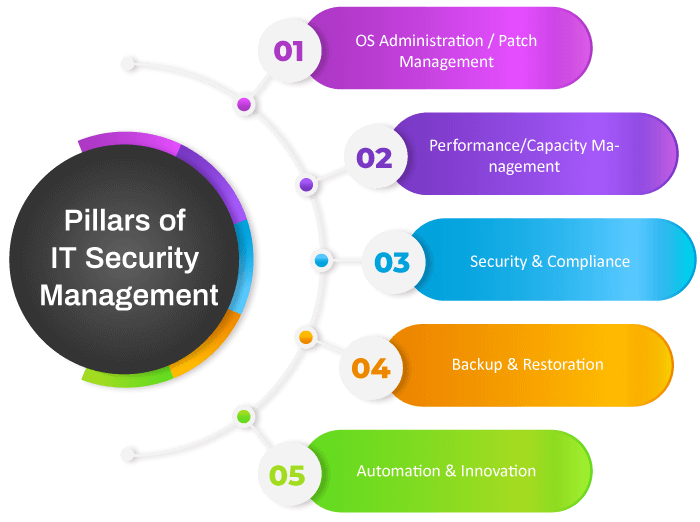
- Terminal 4.0 prioritized workflow clarity over visual novelty
- Tabbed sessions significantly reduce administrative error
- Multi protocol support eliminated tool fragmentation
- Stability made it ideal for SMB environments
- Diagnostic tools reduced context switching
- Version 4.0.1 remains the most reliable release
Conclusion
I see Terminal 4.0 as a reminder that good software does not always need constant reinvention. It solved a real problem at the right time with restraint and focus. For system administrators managing diverse environments, it offered calm where chaos usually lives.


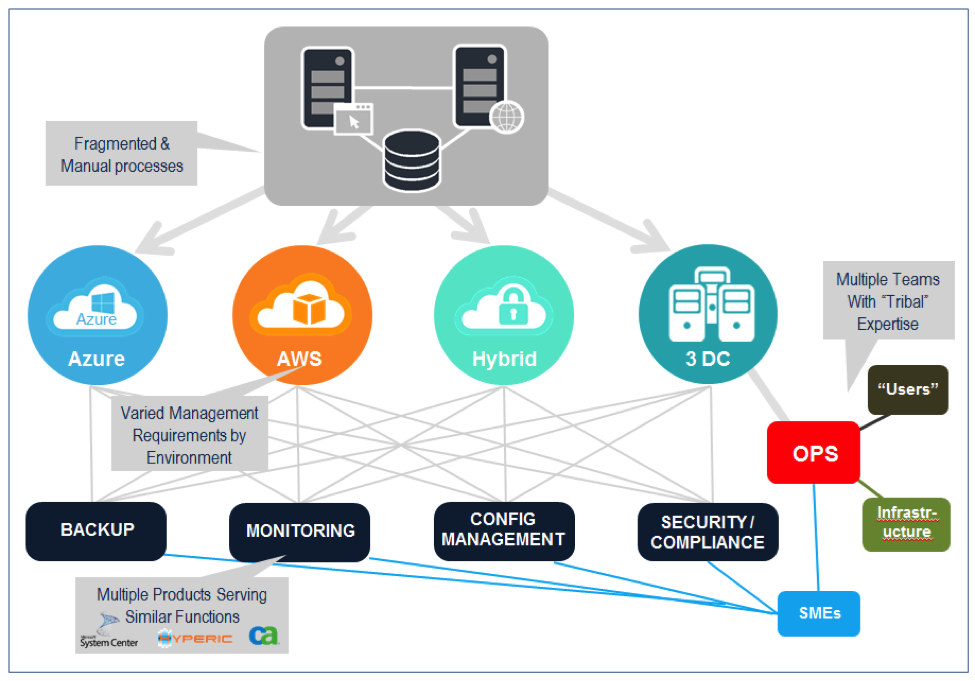
While modern tools now offer cloud syncing and collaboration, many still borrow ideas that Terminal 4.0 normalized years ago. Its influence lives on in today’s remote management design patterns. For those who value control, predictability, and simplicity, Terminal 4.0 remains a quiet benchmark.
FAQs
What is Terminal 4.0 used for
Terminal 4.0 is used by system administrators to manage multiple remote connections through one unified interface.
Does Terminal 4.0 support Linux servers
Yes. SSH support allows secure access to Linux and Unix systems.
Is Terminal 4.0 still safe to use
It is safe in controlled environments when verified installers and security practices are followed.
Why did development slow after 4.0.1
The project reached functional maturity and lacked sustained maintainer funding.
Is Terminal 4.0 free
Yes. It is open source and available without licensing costs.
